Introduction to Website Analytics with GA4
Understanding your audience goes beyond mere numbers, but the numbers help us understand what’s working and not. With the shift to Google Analytics 4 (GA4) there has been a significant shift from traditional analytics, to a more holistic, user-centric approach, which helps us beyond just the numbers that we’re used to. It captures a wide array of user interactions through an event-based model, allowing businesses to gain deeper insights into visitor behavior. Leveraging these insights, can enhance user experience, help tailor marketing efforts, and ultimately boost conversions. That’s the hope, anyway. Let’s take a look at the changes and how they can help.
Core Elements of Website Analytics with GA4
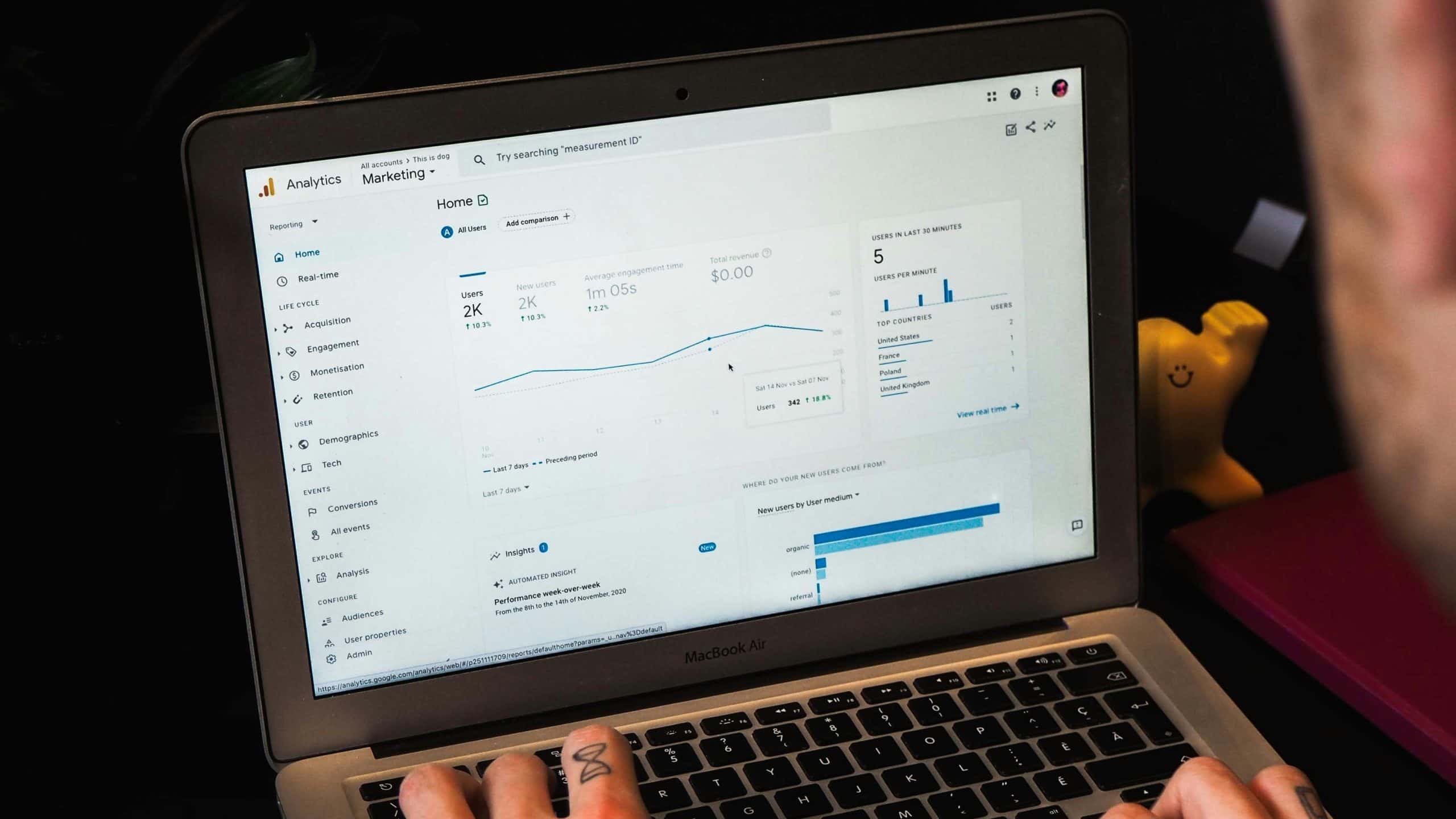
Event-Based Data Model: GA4 introduced a flexible, event-based data model that does not rely on sessions. This model allows for the collection of data from both websites and apps, providing a unified view of how users interact across platforms. Small businesses can now track specific actions (events) that matter most to their operations, such as form submissions, product adds to cart, and page views without needing additional tags for every interaction.
Enhanced Measurement Features: Automatic event tracking is a major feature of GA4, capturing scroll depth, outbound clicks, site search usage, and video engagement without any additional setup. This means small businesses can immediately start collecting data on key interactions without needing technical resources to implement changes.
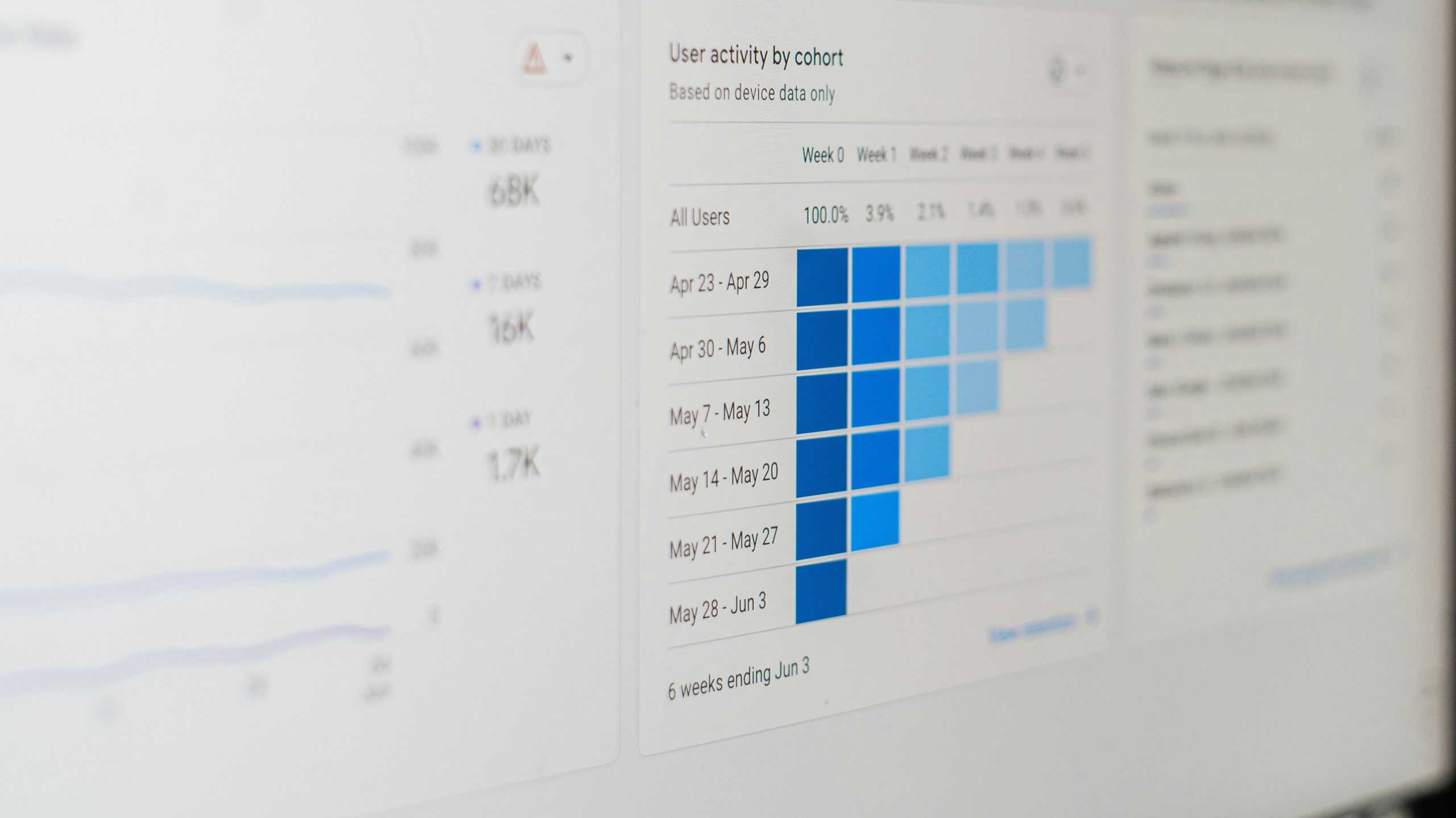
Improved User Engagement Metrics: GA4 offers new metrics such as ‘Engaged Sessions’, ‘Engagement Rate’, and ‘Engagement Time’, which are key metrics for understanding user interactions and retention. Unlike traditional metrics, these provide a clearer picture of how effectively your content holds user attention, helping small businesses optimize their offerings to better meet user expectations.
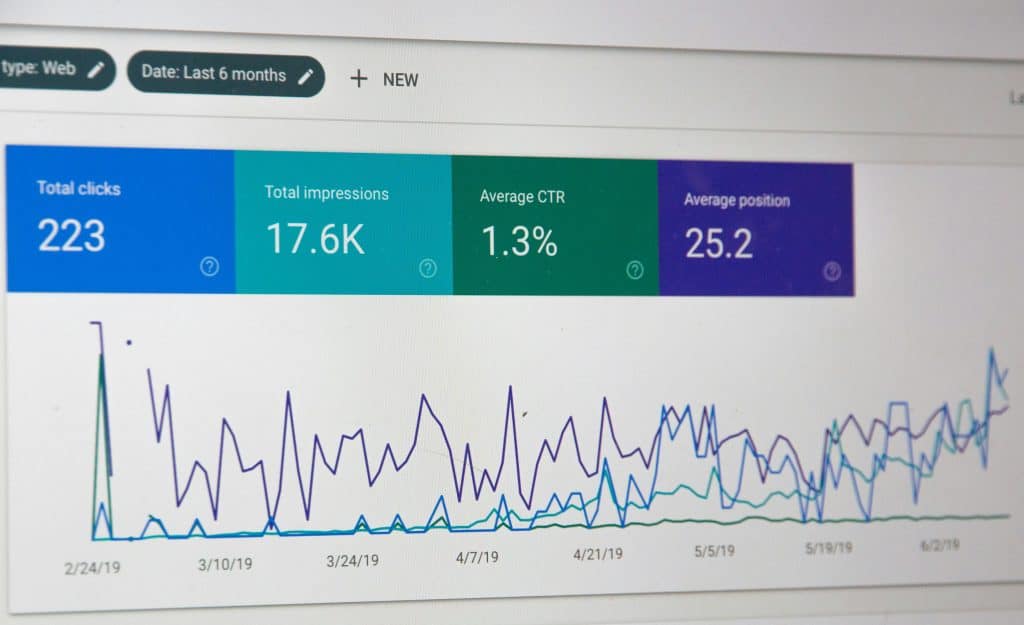
Conversion and Funnel Analysis: Conversion tracking has been simplified, with the ability to mark any event as a conversion directly in the interface. The new funnel analysis capabilities allow for a more nuanced view of the customer journey, identifying where users drop off and what paths they take to conversion. This is crucial for small businesses looking to maximize their marketing efforts and streamline the user path to purchase.
Leveraging GA4 for Small Business Growth
Demographic and Behavioral Insights: GA4 integrates advanced machine learning to provide predictive insights about user behavior and potential revenue opportunities. These insights enable small businesses to anticipate user needs and tailor marketing strategies effectively.
Cross-Platform Tracking Integration: With GA4, small businesses can track users across websites, apps, and software as a single user, providing a cohesive view of the customer journey across all digital platforms. This is particularly useful for businesses that use multiple channels to interact with customers.
Data-Driven Decision Making: GA4’s intuitive interface and real-time data processing allow small businesses to make quicker, more informed decisions. The ability to create custom reports and dashboards tailored to specific business needs means that insights are always relevant and actionable.
Conclusion and Getting Started with GA4
GA4 can seem daunting, especially coming from Universal Analytics, but its benefits for small businesses are clear. From better understanding user behavior to streamlining conversion paths, GA4 offers tools that are accessible yet powerful.
Please reach out with any questions or comments you have about getting things integrated between your website and GA4.