Lottie Animations In Web Design – 5 Main Benefits & Easy Ways To Get Started

Introduction

Welcome to this short blog series on helping enhance your web design work with Lottie animations. Motion design is an essential aspect of web development that began with the GIF, making websites more engaging and interactive. They bring vibrance and depth to what otherwise would be static pages that potential customers and clients would quickly scroll through. My goal with this first post is to introduce you to Lottie and really understand what it's all about. We'll explore its benefits, and highlight some services and tools that allow you to create and share Lottie files easily. Let's go!

So, What is Lottie?

Lottie is an open-source animation file format that is lightweight, scalable, and easy to use. Developed originally by Hernan Torrisi as the After Effects plugin, Bodymovin. It was mainly intended it as a lightweight replacement for deprecated Flash animations. It was then adopted by Airbnb and developed into what it currently is today. Lottie allows designers and developers to add animations to their web and mobile projects seamlessly. These animations are packaged as JSON files, which can be rendered natively on the web and mobile platforms.

Top 5 Benefits of Using Lottie in Web Design

1. Lightweight and Fast
Lottie animations are much smaller in size compared to traditional formats like GIFs, ensuring fast loading times. This reduction in size ensures that your web pages load faster, improving overall user experience and reducing bounce rates. For instance, a typical Lottie animation is often less than half the size of an equivalent GIF, which can make a significant difference in load times, especially on mobile devices.
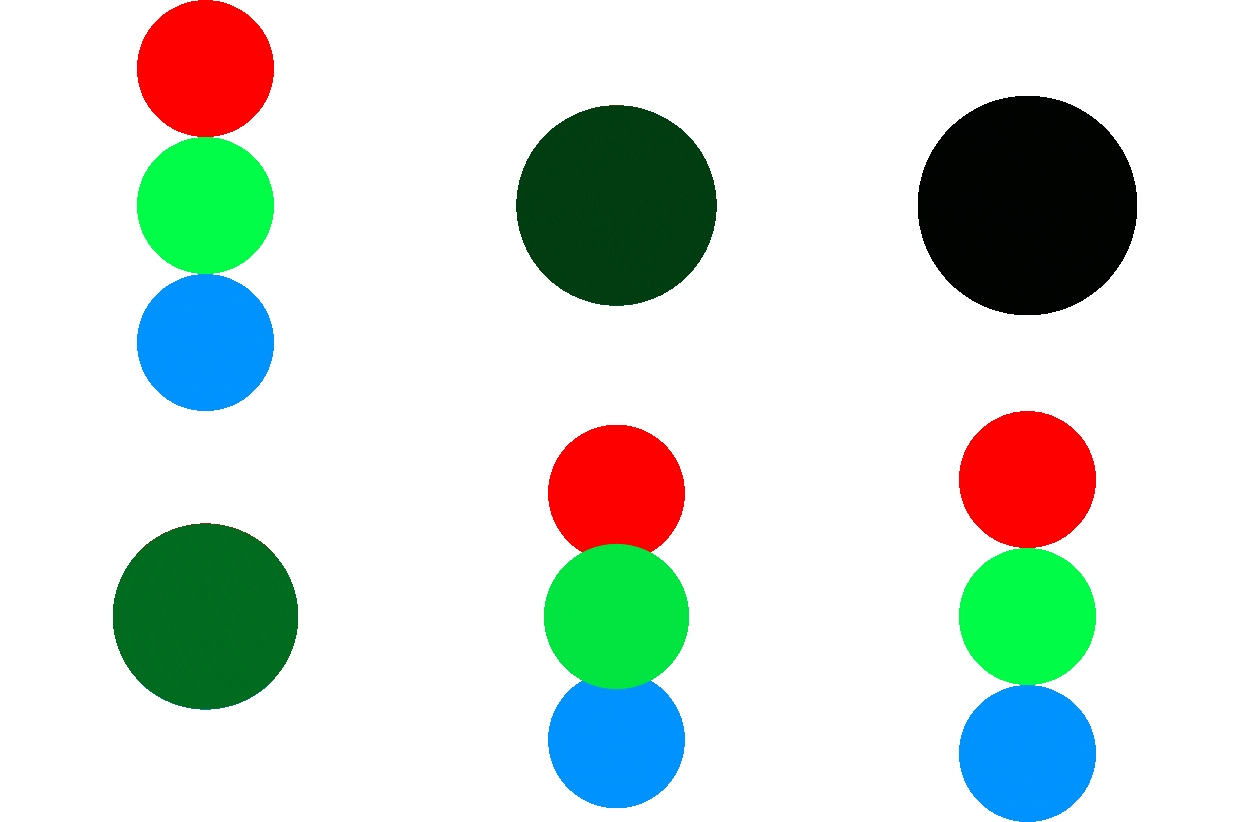
This animation is a Lottie JSON file and it is 12kb in size and scalable.
This animation is a GIF and it is 191kb and a fixed size of 411px by 411px. 
As you can see from the example images above, Lottie files are drastically different from standard GIFs. Not only are they fractionally smaller than GIFs of similar size and shape, but they're smoother too. The Lottie animation has no visible pixalation while the GIF is clearly pixelated and choppy. Which leads us to point number 2...
2. High Quality and Scalability
Lottie files are vector animations and maintain their high quality regardless of size, making them ideal for responsive web design. GIFs, on the otherhand, are raster animations, which are pixel based and finite. So for Lottie animations, whether viewed on a small mobile screen or a large desktop monitor, they'll always look sharp and professional. This scalability ensures that your animations remain crisp and clear, providing a consistent visual experience across all devices.
3. Cross-Platform Compatibility
Lottie animations also work seamlessly across different platforms, like iOS, Android, and different web browser. This cross-platform compatibility ensures a consistent user experience, no matter where your audience views your content. For example, an animation created for a web application can be easily reused in a mobile app, saving time and effort in the development process.
4. Ease of Integration
Lottie files can be easily integrated into your projects using different plugins and add-ons (depending on how you're building your site). This ease of integration allows for a streamlined workflow, enabling designers and developers to quickly add animations to their projects. Tools like Figma and Adobe After Effects offer direct export options for Lottie, which makes things very easy. 

Easy Ways to Get Started with Lottie Animations

1. LottieFiles
  • Description
    LottieFiles is a popular platform that provides a vast library of pre-made Lottie animations and tools to create, test, and share Lottie files.
  • Pricing
    Free tier available with limited features, Pro plan starts at $20・month.
2. Creattie
  • Description
    Creattie is simple a library of Lottie animations and an easy-to-use editor for customizing and creating new animations.
  • Pricing
    They offer a free trial, then either lifetime or monthly plans. Lifetime plans are on sale from $49 (usually $149) and monthly plans start at $20.
3. LottieLab
  • Description
    LottieLab is an animation editor focused on creating Lottie animations. It offers a user-friendly interface and powerful features for creating complex animations.
  • Pricing
    They offer a free version with limited features and a pro plan for $24/month.
4. SVGator
  • Description
    SVGator is an online tool for creating SVG animations, including Lottie. It offers an intuitive interface and robust animation capabilities.
  • Pricing
    Free plan available with basic features, Pro plan starts at $20/month (when billed yearly).
5. Jitter
  • Description
    Jitter is an easy-to-use tool for creating animations for web and mobile. It supports Lottie and provides a free tier for users to get started.
  • Pricing
    Free plan available with basic features, Pro plan starts at $19/month (when billed yearly).
I hope this was a helpful intro to the world of Lottie. It really is a great tool for web designers and developers, offering a lightweight, high-quality way to incorporate animations into projects. As with anything, there are limitation, but understanding what Lottie is and its benefits can greatly enhance your design workflow. I hope you try one of the tools and services I listed above to help you play around and create your own Lottie animation. Start exploring the world of Lottie to enhance your designs with captivating animations.

Stay tuned for the next post in our series - Practical Applications and Seamless Integration of Lottie Animations - where we'll dive into some of the best ways to use Lottie in web design.

Fill out the form below so we can discuss your business needs.

Google reCaptcha: Invalid site key.