Why Is User Experience Crucial for Business Websites?
User experience (UX) refers to the overall experience a person has when interacting with a website, which encompasses all aspects of the end-user’s interaction with the company, its services, and its products.
A good user experience (UX) should be a no brainer for businesses nowadays. Consumers have so many choices when deciding where to spend their time and money that if they find themselves on a site that isn’t easy to understand or navigate, they’ll just find one that is.

According to Google, “50% of people say they won’t consider purchasing from a brand that has a poorly designed mobile site.” and “62% of people are less likely to buy from a brand if they have a poor mobile experience”
In today’s digital age, the UX your website offers can literally make or break your business. Don’t let it.
Impact on Business:
- Enhanced User Satisfaction: A well-designed UX can meet and exceed user expectations by making their interactions smooth and enjoyable. This not only increases user satisfaction but also loyalty and advocacy for the brand.
- Increased Traffic and Conversion Rates: Websites with superior UX design tend to attract more traffic. More importantly, they convert at higher rates thanks to intuitive interfaces and engaging content that reduce friction in the conversion process.
- Reduced Costs from Poor UX: On the flip side, poor UX can be costly. Websites that are difficult to navigate or frustrating to use often have higher bounce rates and abandoned shopping carts, leading to direct losses in revenue and increased marketing costs to regain lost traffic.
Relevance to Small Businesses: For small businesses, it’s even more important. Unlike some medium or large businesses who already have name recognition and an established customer base, small businesses rely heavily on first impressions. A good UX is essential for leveling the playing field and competing against those bigger players and increasing their customer retention.

Cost-Effective Changes That Can Significantly Improve UX
Creating a user-friendly website is an investment but that doesn’t mean it has to break the bank. Here are some simple, cost-effective changes that can dramatically improve the UX of your website, helping you retain visitors and convert them into loyal customers.
Simplify Navigation: Clear and intuitive navigation is the bedrock of good UX. Here are some tips on how you can improve your site’s navigation:
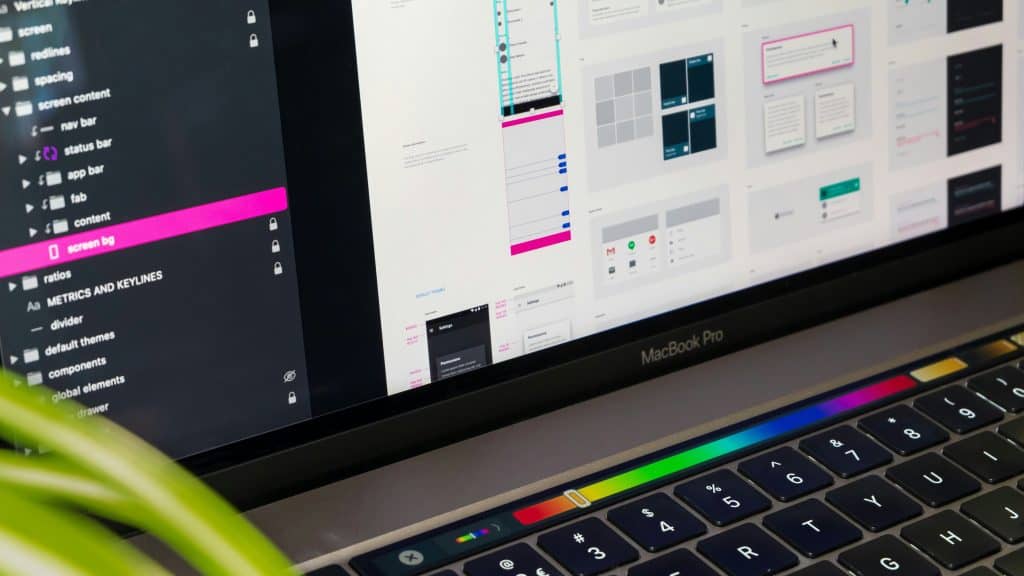
- Reduce Navigation Options: Limit the number of menu items to prevent overwhelming your visitors. Stick to essential sections and use dropdown and nested menus sparingly.
- Consistent Layout: Keep your navigation layout consistent across all pages to prevent confusion.
- Descriptive Labels: Use clear and descriptive labels for navigation links to ensure users know exactly what to expect when they click on a link.
Improve Page Speed: A slow-loading website can frustrate users and increase bounce rates. According to Google, “53% of mobile users will abandon a site that takes three seconds to load” Here are some tips to speed up your website:
- Optimize Images: If you’re using WordPress, you can use plugins to help compress images without losing quality. There are paid and free versions available. I’ve been using ShortPixel Image Optimizer on this site now, but they all get the job done. If you’re not using WordPress then often whatever website builder you’re using offers a similar feature.
- Minify Code: Again, if you’re using WordPress, you can use plugins here too to reduce the size of your HTML, CSS, and JavaScript files by compressing them, removing unnecessary spaces, comments, and/or characters, and reduce the number of different files the browser needs to call.
- Leverage Browser Caching: Set up your server to enable browser caching. This allows visitors’ browsers to store copies of your site’s files, drastically reducing load times on subsequent visits.
Responsive Design: The internet is mobile. Responsive design should be an essential part of your website, if not the starting point for it. Websites design mobile first offer the best UX experience for user. Here’s how to ensure your site functions well on all devices:
- Media Queries: Employ media queries in your CSS to apply different styles for different devices at different breakpoints, enhancing better readability and functionality on mobile devices.
- Fluid Grid Layouts: Design your site for different sizes at different breakpoints. There’s no one size fits all with web design.
- Flexible Images: Use CSS to ensure images resize correctly to fit different screens.
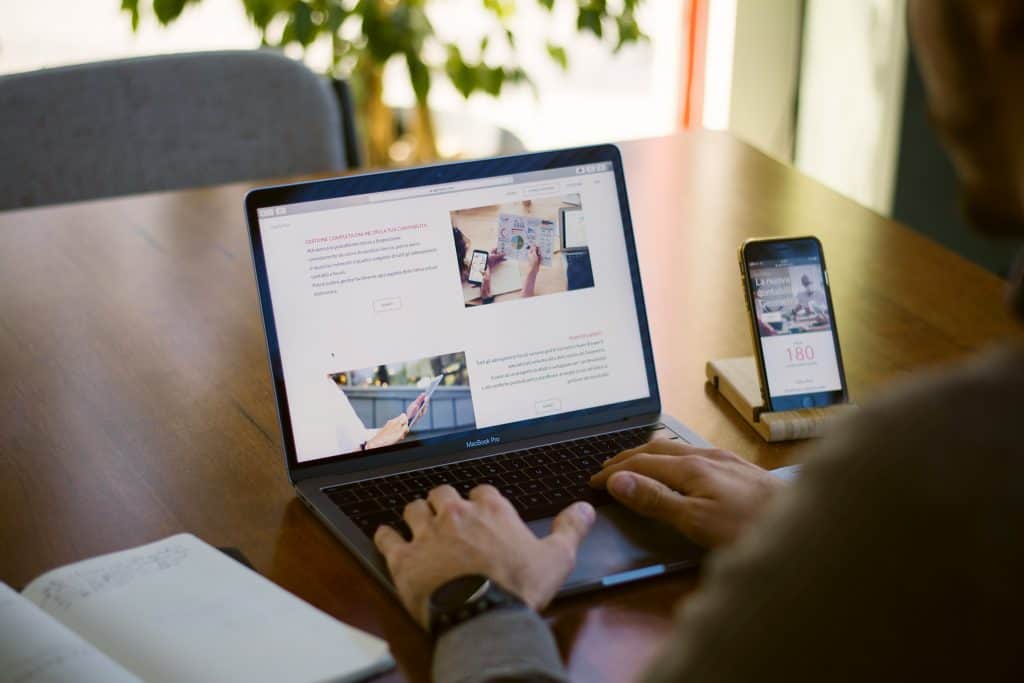
Accessible Design: Accessibility ensures that your website can be used by as many people as possible, including those with disabilities. In most cases, it isn’t just a good idea but also legally required. Baseline accessibility includes:

- Color Contrast: Ensure sufficient contrast between your text and background colors to make content legible for everyone, including users with visual impairments.
- Readable Fonts: Choose fonts that are easy to read and set a sufficient font size. Sans-serif fonts are generally easier to read online.
- Alt Text for Images: Always use descriptive alt text for images. This not only helps visually impaired users understand the image content but also improves SEO.
Call-to-Action (CTA) Optimization: Effective CTAs guide users towards your desired action. Follow these tips to help your CTAs stand out:
- Visibility: Place CTAs in prominent locations that naturally draw the eye, such as above the fold and in the central column of your page.
- Urgency and Clarity: Use action-oriented or first person text that creates a sense of urgency or benefit, such as “Start Free Trial” or “Reserve my seat” instead of just “Sign Up”.
- Color and Size: Use colors that contrast with the rest of the page to make your CTAs stand out. Reds and oranges are good colors because they invoke action and urgency. Ensure the size is large enough to be noticed without overpowering the rest of the design.

In short, enhancing your website’s UX doesn’t have to be costly or complicated. By implementing straightforward, cost-effective changes—such as simplifying navigation, speeding up page load times, ensuring responsive design, making your site more accessible, and optimizing calls-to-action—you can significantly boost user satisfaction and engagement, and ultimately increase your conversion rates.
If you need more help in figuring out what user experience changes to make on your own business website or if you just want to start with a fresh new design, please reach out.